SolidWorks Tips and Tricks Every Beginner Should Know
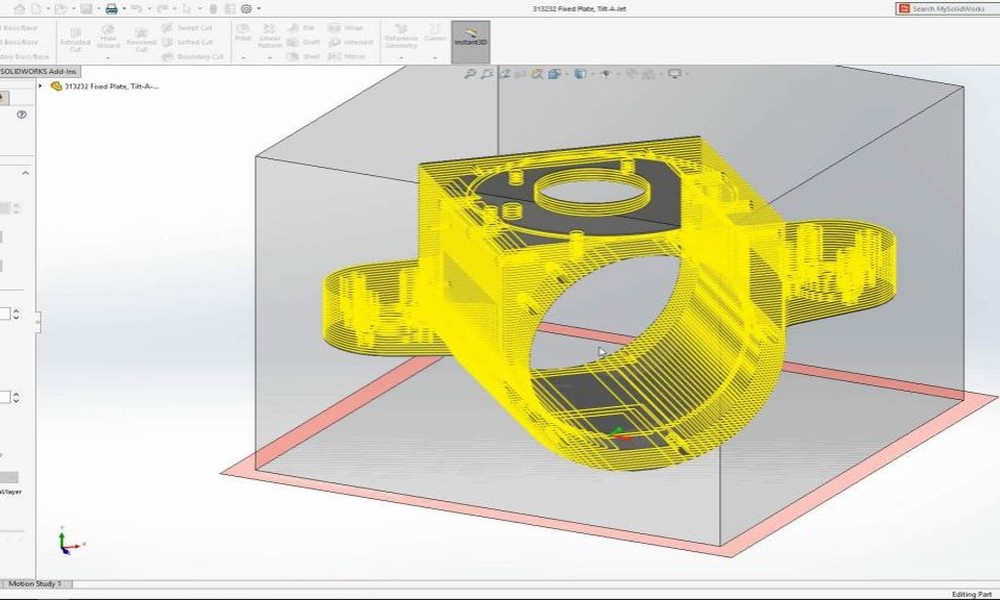
Starting your journey with SolidWorks can feel overwhelming at first, especially with its wide range of tools and features. However, with the right approach and a few practical tips, beginners can quickly become more confident and efficient. Whether you’re learning independently or through a structured SolidWorks course, these tips will help you build a strong foundation.
Master the Basics First
Before jumping into advanced features, it’s essential to understand the fundamentals. Focus on sketching, dimensions, and basic features like extrude and cut. These are the building blocks of every design in SolidWorks.
A good SolidWorks course will emphasize these core skills early on. Taking the time to master them will make more complex tasks much easier later.
Use Keyboard Shortcuts to Save Time
One of the simplest ways to improve efficiency is by learning keyboard shortcuts. Commands like “S” for the shortcut menu or “Ctrl + B” to rebuild your model can significantly speed up your workflow.
As you use SolidWorks more frequently, these shortcuts will become second nature and help you work faster with fewer interruptions.
Keep Your Sketches Fully Defined
A common mistake beginners make is leaving sketches under-defined. Fully defining your sketches ensures stability and prevents unexpected changes later in the design process.
SolidWorks provides tools to automatically define sketches, making it easier to maintain accuracy and consistency.
Take Advantage of Design Intent
Design intent refers to how your model behaves when changes are made. By properly applying constraints and relationships, you can ensure your design updates smoothly without breaking.
Learning this concept through a SolidWorks course will help you create smarter, more flexible models.
Organize Your Feature Tree
As your models become more complex, keeping your feature tree organized is crucial. Rename features, group related elements, and maintain a logical structure.
A clean feature tree makes it easier to edit designs and collaborate with others.
Practice with Real Projects
The best way to improve your SolidWorks skills is through hands-on practice. Try recreating real objects or working on small design challenges. This helps reinforce what you’ve learned and builds confidence.
Many SolidWorks courses include project-based learning, which is highly effective for beginners.
Final Thoughts
Learning SolidWorks doesn’t have to be difficult. By focusing on the basics, using efficient techniques, and practicing regularly, beginners can quickly improve their skills. Enrolling in a well-structured SolidWorks course can further accelerate your progress, giving you the knowledge and confidence to handle real-world design tasks.